Installation Skills
Site survey, field of view, lens selection, mounting, conduits, cable pulling, connectors, power distribution and weather protection.

Build job-ready skills to survey, design, install, configure, commission, operate and maintain modern video-surveillance systems using cameras, DVRs, NVRs, PoE networks, storage and remote-monitoring tools.

The program goes beyond camera mounting. Trainees learn system planning, electrical and network fundamentals, device configuration, recording and storage, remote access, cybersecurity, testing, documentation and systematic fault-finding.
Site survey, field of view, lens selection, mounting, conduits, cable pulling, connectors, power distribution and weather protection.
DVR/NVR setup, IP addressing, camera discovery, recording schedules, motion rules, user access and mobile viewing.
Inspection, cleaning, backup, storage health, network testing, fault isolation, replacement and service reporting.
A progressive curriculum covering essential electrical work, video-surveillance hardware, IP networking and real commissioning practices.
Purpose, applications, system architecture, live view, recording, playback, evidence handling and privacy-aware operation.
Dome, bullet, turret, box, PTZ, fisheye, thermal basics, indoor/outdoor ratings, vandal resistance and use-case selection.
Resolution, frame rate, bitrate, focal length, field of view, DORI concept, WDR, BLC, HLC, IR illumination and low-light performance.
TVI, CVI and AHD concepts, coaxial cable, BNC termination, baluns, DVR channels, camera power and hybrid recorders.
Network cameras, NVRs, ONVIF concepts, streams, codecs, camera web interface, device activation and interoperability.
LAN basics, IPv4, subnet mask, gateway, DHCP versus static IP, ports, bandwidth, VLAN awareness, ping and network diagnosis.
PoE switches, injectors, extenders, power budgets, voltage drop, SMPS, centralized supplies, UPS backup, earthing and surge protection.
Cat5e/Cat6, coaxial and fibre awareness, cable routes, bend radius, separation from power cables, RJ45 crimping, testing and labelling.
Initial setup, date/time, channels, live layout, recording modes, event recording, pre/post record, playback, export and user permissions.
Surveillance HDDs, storage estimation, continuous versus event recording, RAID awareness, health monitoring and retention planning.
P2P/cloud connection concepts, secure app setup, client software, multi-site viewing, DDNS and port-forwarding awareness.
Motion detection, line crossing, intrusion, tamper and people-counting concepts; alarm I/O, access-control and control-room integration.
Strong credentials, role-based users, firmware discipline, network isolation, secure remote access, log review and configuration backup.
No-video faults, image noise, night glare, IP conflict, offline cameras, storage alarms, intermittent links and preventive-maintenance routines.
Understand cost-effective coaxial systems commonly used in homes, shops, offices and retrofit projects.
Build scalable network-video systems for commercial, industrial, campus and multi-site applications.
Every core topic is reinforced through installation, configuration, measurement, testing or troubleshooting work.
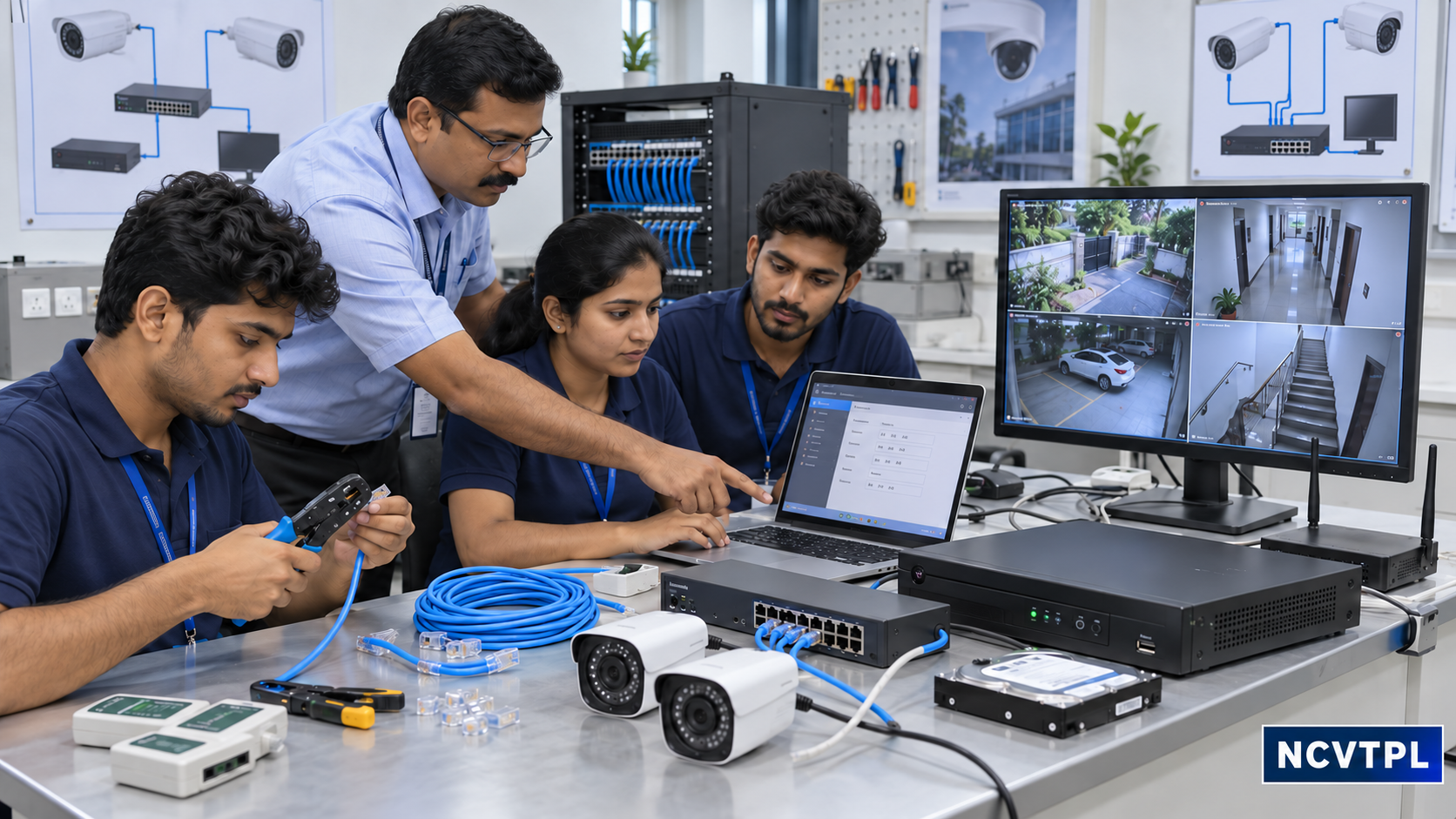
Training includes power, data, recording, display and controlled remote-access paths—not only the camera connection.
Actual equipment may vary by lab and batch, while the underlying skills remain vendor-neutral.
| Category | Typical Equipment | Skills Developed |
|---|---|---|
| Cameras | Dome, bullet, turret, PTZ; analog HD and IP cameras | Selection, mounting, aiming, image adjustment and reset |
| Recording | DVR, NVR, hybrid recorder, surveillance HDD and monitor | Setup, recording, playback, export, backup and storage health |
| Networking | PoE switch, router, patch panel, injector and network tester | Addressing, PoE budgeting, connectivity and bandwidth checks |
| Cabling | Cat5e/Cat6, coaxial, BNC, RJ45, baluns, conduits and junction boxes | Routing, termination, weather protection, labelling and testing |
| Power & Protection | SMPS, adapters, UPS, surge-protection and earthing components | Load checks, backup planning, voltage measurement and safety |
| Service Tools | Multimeter, crimpers, LAN tester, test monitor and laptop | Measurement, commissioning, configuration backup and fault diagnosis |
Trainees follow a professional workflow that can be used for residences, retail stores, offices, factories, warehouses, schools, hospitals and campuses.
Identify surveillance objectives, critical zones, lighting, privacy constraints, retention needs and operational responsibilities.
Decide camera positions, field of view, cable paths, recorder capacity, power, network and backup requirements.
Mount hardware, pull and label cables, terminate connectors, protect outdoor joints and follow electrical safety practices.
Set addresses, users, time, recording, analytics and authorized remote access; change defaults and back up configuration.
Verify every camera by day and night, playback, alerts, storage, UPS runtime, network health and remote-client permissions.
Provide camera schedule, IP list, cable labels, test report, user guidance, maintenance plan and controlled credential handover.
Learn to isolate faults by subsystem instead of replacing equipment by guesswork.
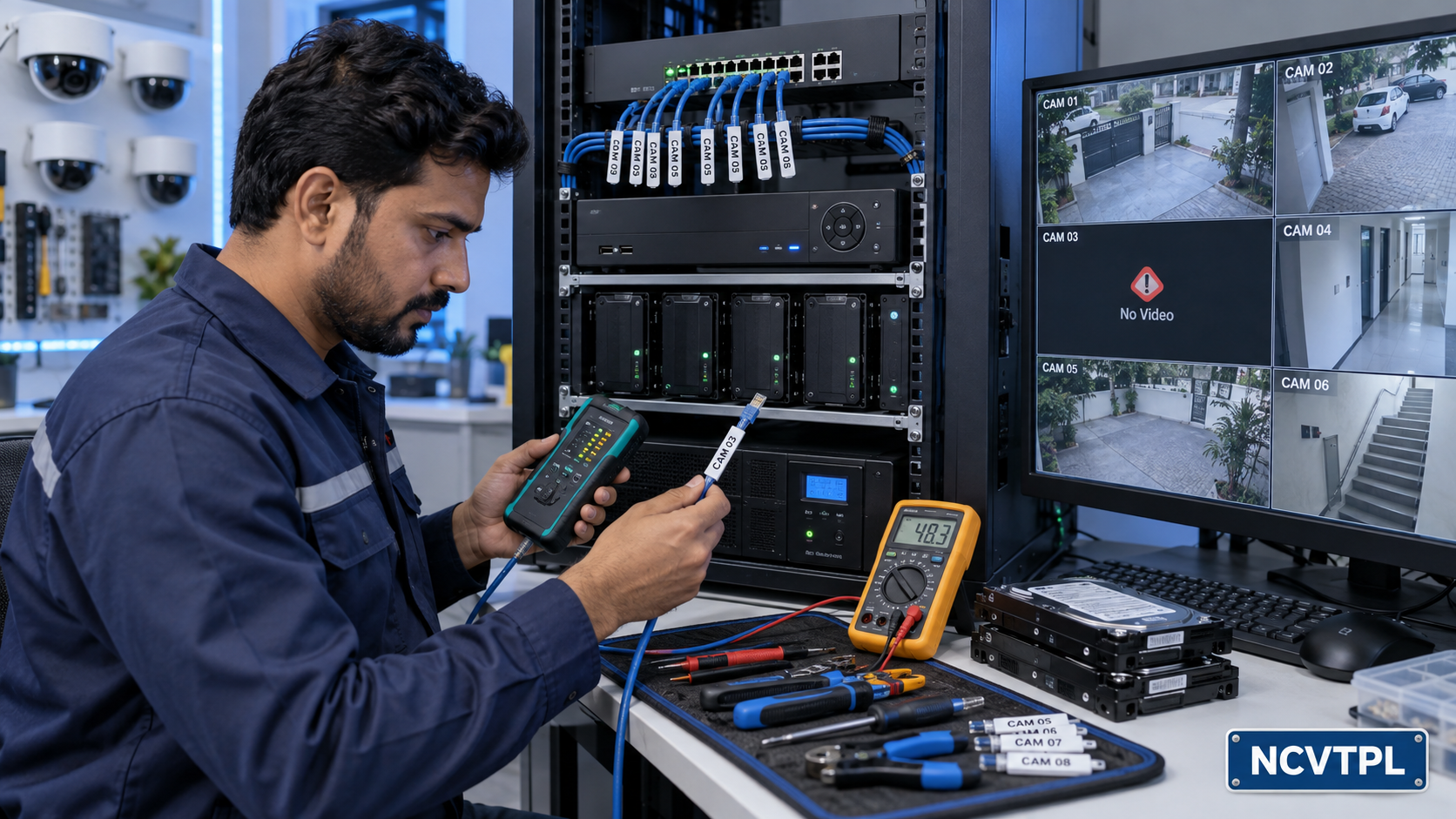
| Symptom | Likely Areas to Check | Practical Diagnostic Approach |
|---|---|---|
| No video / camera offline | Power, connector, cable, PoE budget, IP address, port or device status | Test from source to destination and confirm link, voltage and network response |
| Poor or noisy picture | Connector quality, voltage drop, grounding, lens, lighting or interference | Compare at the camera, inspect termination and measure supply under load |
| Night glare / white image | Dirty cover, reflective surface, incorrect angle or nearby obstruction | Clean, realign and retest after IR illumination activates |
| No recording / playback | Schedule, HDD status, overwrite setting, time configuration or stream issue | Review recorder logs, storage health and channel recording indicators |
| Remote viewing unavailable | Internet, gateway, DNS, client authorization, service status or security policy | Confirm local viewing first, then verify network and authorized-client settings |
| Intermittent system | Loose joints, unstable power, overheating, cable damage or bandwidth overload | Inspect history and logs, reproduce the fault and test each subsystem under load |
Isolation, correct tools, ladder practices, PPE, safe drilling, cable segregation, earthing and surge-protection awareness.
Appropriate camera placement, authorized access, controlled evidence export, retention discipline and respect for applicable policies and laws.
Drawings, device schedules, IP records, test sheets, service logs, configuration backup and operator training.
Assessment emphasizes the ability to complete and explain real tasks, not memorization alone.
Suitable for freshers, electricians, IT/network technicians, security-system personnel, maintenance staff, facility teams and entrepreneurs entering surveillance installation and service.
Job outcomes depend on the learner’s prior education, practice, local market requirements and employer selection process.
Students, ITI and diploma learners, electricians, network technicians, security staff, facility-maintenance personnel, working professionals and entrepreneurs can join. The program begins with fundamentals before progressing to installation and diagnostics.
Yes. Training covers analog HD cameras with DVRs as well as IP cameras, PoE switches and NVR-based systems, including the differences in power, cabling, configuration and troubleshooting.
Yes. Learners practice recorder setup, camera addition, recording schedules, playback, evidence export, user permissions and authorized mobile or desktop viewing.
Yes. The syllabus includes IPv4 addressing, subnet masks, gateways, DHCP and static IP, device discovery, PoE, bandwidth awareness, connectivity tests and common IP-camera network faults.
Yes. Preventive maintenance, cleaning, inspection, storage health, configuration backup and diagnosis of power, cabling, image, network, recorder and remote-access problems are core parts of the program.
Yes. Practical activities can include survey planning, mounting, cable termination, BNC and RJ45 work, camera alignment, DVR/NVR configuration, storage planning, testing and project handover.
Duration can be offered in fast-track, regular or customized formats depending on learner background, required practical depth and institutional or corporate requirements. Contact NCVT for the current batch plan.
Yes. The curriculum can be adapted for colleges, skill-development programs, security teams, facility departments, system integrators and organizations with specific equipment or site requirements.
Discuss the current batch, duration, practical coverage and customized training requirements with NCVT.