

CNC Training – Programming, Turning, Milling & Machine Operation
Learn CNC machine fundamentals, programming, G-code, M-code, coordinate systems, tool and work offsets, CNC turning, VMC milling, machining cycles, machine setup, cutting parameters, dimensional inspection and production-oriented machining.
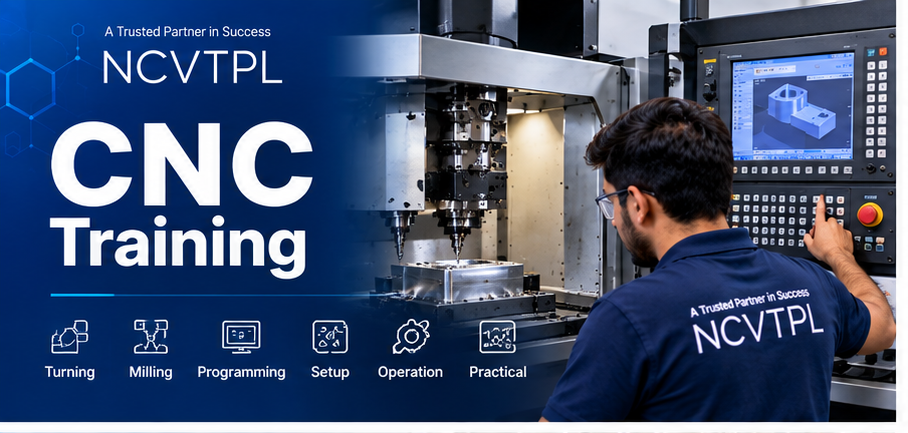
Learn the Complete CNC Machining Workflow
CNC machining is more than entering a program. A skilled CNC professional understands the drawing, material, machine, tooling, coordinate system, program, offsets, cutting parameters, setup, machining operation and dimensional inspection.
From Engineering Drawing to Finished Component
CNC Training at NCVT connects machine fundamentals with programming and machining. Learners understand how CNC machines move, how machine coordinates work, how tools and jobs are referenced, and how programmed instructions become physical components.
The training connects turning, milling, tool selection, machine setup, measurement and troubleshooting into one manufacturing workflow.
Plan → Program → Setup → Machine → Inspect
The objective is to develop practical understanding of the complete CNC production cycle, rather than learning isolated G-codes alone.
CNC, CNC Lathe and VMC — Understand the Difference
Computer Numerical Control
CNC is the broader technology in which programmed numerical instructions control machine-tool movements and machining operations.
Covers turning, milling and other CNC systems.CNC Lathe / Turning Centre
The workpiece rotates while cutting tools machine cylindrical features such as diameters, steps, grooves and threads.
Common for shafts, bushes, pins and round components.VMC / Machining Centre
The cutting tool rotates while the workpiece is secured, allowing faces, pockets, slots, holes and contours to be machined.
Common for prismatic and precision components.CNC Manufacturing Technologies
G-Code, M-Code & Program Simulation
Learn how machining instructions are structured, edited, verified and tested before actual material is cut.
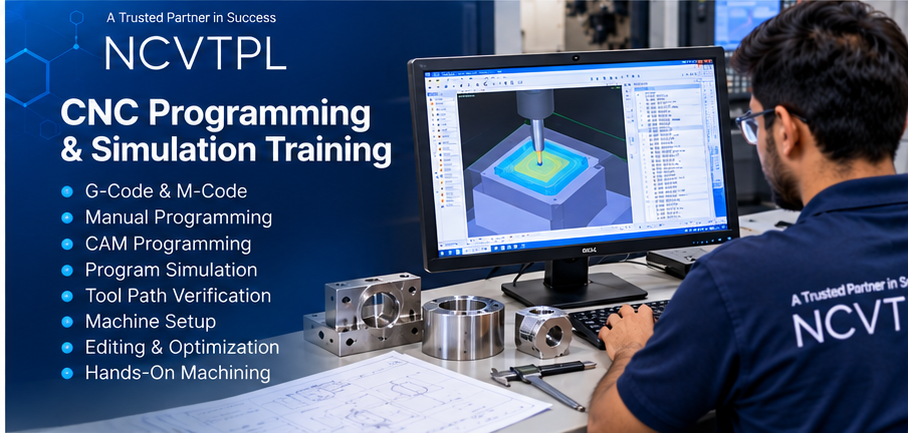
CNC Programming Fundamentals
- CNC program structure
- Program blocks
- Sequence numbers
- G-code functions
- M-code functions
- Tool call
- Feed commands
- Spindle commands
- Coordinate commands
- Program start and end
Programming & Verification
- Absolute programming
- Incremental programming
- G00 rapid positioning
- G01 linear interpolation
- G02 / G03 circular interpolation
- Canned cycles
- Program editing
- Program simulation
- Dry run
- Single-block execution
CNC Lathe & Turning Training
Learn how cylindrical components are programmed, set, machined and inspected on CNC turning machines.
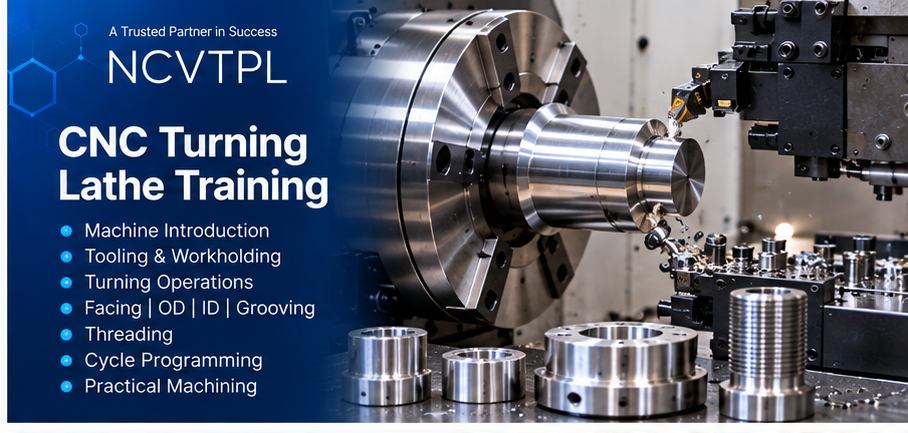
Turning Operations
- Facing
- External turning
- Internal turning
- Step turning
- Taper turning
- Grooving
- Parting
- Drilling
- Boring
- Threading
Turning Setup
- Chuck and workholding
- Tool selection
- Tool geometry
- Tool offsets
- Work zero
- Turning cycles
- Cutting parameters
- Tool wear correction
- Dimensional correction
- Finished-part inspection
CNC VMC Milling Training
Understand Vertical Machining Centre setup, milling operations, work offsets, tool offsets, drilling cycles and production-oriented machining.
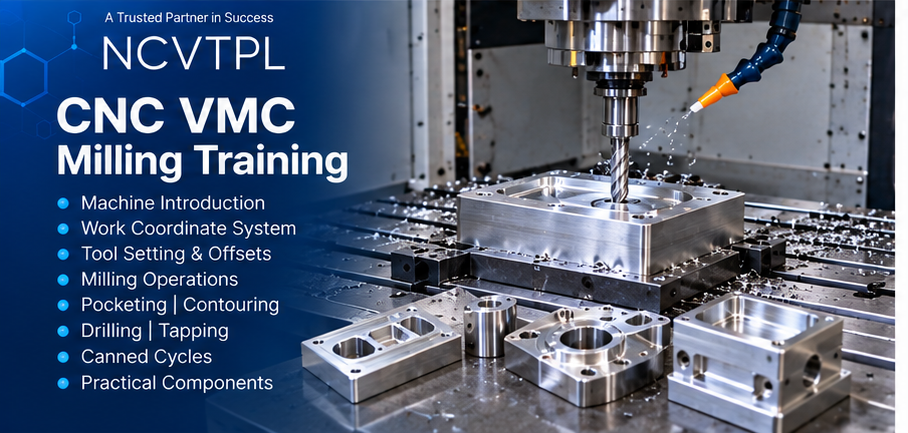
Milling Operations
- Face milling
- Slot milling
- Pocket milling
- Profile milling
- Contour machining
- Drilling
- Reaming
- Tapping
- Boring
- Hole patterns
VMC Setup
- X, Y and Z axes
- Machine zero
- Work zero
- Work offsets
- Tool-length offsets
- Tool wear offsets
- Vice and fixture setup
- Automatic Tool Changer concepts
- Multi-tool programs
- Production setup
18-Module CNC Training Curriculum
CNC & Modern Manufacturing Fundamentals
CNC concepts, conventional versus CNC machining, applications and manufacturing workflow.
CNC Machine Architecture
Machine structure, controller, spindle, axes, servo drives, motors and feedback.
CNC Control Panel & Machine Operation
CNC operator panel, operating modes, jog, reference, MDI and automatic operation.
Coordinate Systems & Machine Zero
X/Y/Z axes, machine coordinates, reference point, work coordinates and datum concepts.
CNC Programming Fundamentals
Program format, blocks, addresses, sequence numbers and machining instructions.
G-Code Programming
Movement, interpolation, positioning and machining commands.
M-Code Programming
Spindle, coolant, tool-related and auxiliary machine functions.
Absolute & Incremental Programming
Coordinate programming methods with practical turning and milling examples.
Linear & Circular Interpolation
Rapid movement, linear cutting, clockwise arcs and counter-clockwise arcs.
Tool Offsets & Work Offsets
Tool geometry, wear correction, tool length, work zero and coordinate offsets.
CNC Turning Operations
Facing, OD/ID turning, steps, grooves, boring and parting.
Turning Cycles & Threading
Roughing, finishing, grooving and threading-cycle concepts.
CNC Milling / VMC Operations
Facing, slots, pockets, profiles, contours and machining strategy.
Drilling, Tapping & Canned Cycles
Hole machining, drilling cycles, tapping and repetitive machining operations.
Cutting Tools & Tool Selection
Inserts, holders, drills, end mills, face mills and application selection.
Feeds, Speeds & Cutting Parameters
Cutting speed, spindle RPM, feed rate, depth of cut and machining conditions.
Simulation, Setup & Troubleshooting
Program verification, dry run, machine setup, alarms and machining fault diagnosis.
Complete CNC Machining Project
Interpret drawing, prepare program, select tools, set machine, machine component and inspect dimensions.
CNC Programming & Machining Exercises
Basic Program
Create a complete CNC program structure.
G00 / G01
Program rapid and linear movement.
G02 / G03
Create circular interpolation paths.
Tool Offset
Set and correct tool geometry.
Work Offset
Establish component datum.
Turning Part
Program a turned component.
Thread / Groove
Develop turning feature programs.
Hole Pattern
Program CNC drilling operations.
Pocket / Contour
Develop a VMC milling program.
Complete Component
Drawing to inspected finished part.
From Component Drawing to Finished CNC Part
CNC manufacturing requires coordination between engineering drawing, process planning, tooling, programming, machining and inspection.
Read Drawing
Dimensions, tolerance and geometry.
Plan Process
Select operation sequence.
Select Tools
Tooling, inserts and holders.
Program
Create CNC machining instructions.
Setup
Workholding, offsets and tools.
Verify
Simulation, dry run and clearance.
Machine
Execute machining operations.
Inspect
Measure finished dimensions.
Correct
Offset and tool-wear correction.
Produce
Repeat verified production cycle.
CNC Tooling & Machining Parameters
Turning Inserts
Insert geometry, grade and application awareness.
Tool Holders
Turning and milling tool mounting systems.
Drills
Hole generation, tool selection and drilling parameters.
End Mills
Slotting, pocketing and profiling.
Face Mills
Efficient flat-surface machining.
Boring Tools
Precision internal diameter machining.
Threading Tools
External and internal thread machining.
Cutting Parameters
Speed, feed, depth of cut and coolant.
Measure the Component — Not Just the Program
Machining is complete only when the finished part is checked against drawing requirements and dimensional deviations are corrected.
Common CNC Programming & Machining Problems
Program Alarm
Check syntax, unsupported commands, block structure and controller messages.
Wrong Work Offset
Verify datum, work coordinate and offset values.
Wrong Tool Offset
Check tool geometry, length and wear compensation.
Oversize / Undersize Part
Examine offsets, tool wear, program geometry and machine condition.
Poor Surface Finish
Check tool condition, feeds, speed, rigidity and coolant.
Chatter / Vibration
Review tool overhang, workholding, cutting parameters and machine rigidity.
Wrong Tool Call
Verify tool number, offset number and program sequence.
Collision Risk
Use simulation, dry run, single block and safe-clearance checks.
Safe Setup and Machine Operation
Who Should Learn CNC?
Suitable Participants
- ITI Turner
- ITI Machinist
- ITI Fitter
- Mechanical Diploma Students
- Mechanical Engineering Students
- Production Engineering Students
- Manufacturing Engineering Students
- CNC Operators
- Machine Shop Technicians
- Production Professionals
- Engineering Graduates
- Working Professionals
Career Direction
- CNC Programmer
- CNC Machine Operator
- CNC Setter
- CNC Turning Operator
- VMC Operator
- VMC Programmer
- CNC Setup Technician
- Machine Shop Technician
- Production Technician
- Manufacturing Engineer
- Production Engineer
- CAD/CAM Programmer
Continue Your Manufacturing & Automation Learning
CNC Training FAQs
What is CNC?
CNC stands for Computer Numerical Control. CNC machines use programmed instructions to control machining operations such as turning, milling, drilling and cutting.
Does CNC Training include G-code?
Yes. CNC programming covers G-code used for positioning, interpolation and machining movements.
Does the course include M-code?
Yes. M-code is covered for auxiliary machine functions such as spindle, coolant and program control.
Are CNC turning and CNC milling both covered?
Yes. The CNC program introduces both turning and milling, while NCVT also has a dedicated VMC training program for deeper milling coverage.
What is the difference between CNC and VMC?
CNC is the broader concept of computer-controlled machining. VMC is a Vertical Machining Centre primarily used for milling, drilling, tapping, pocketing and contouring.
Does CNC training include tool offsets?
Yes. Tool geometry, tool wear, tool-length and work-offset concepts are included.
Does CNC training include program simulation?
Yes. Program simulation, tool-path verification, dry run and single-block execution are important parts of safe program validation.
Are feeds and speeds covered?
Yes. The program introduces cutting speed, spindle RPM, feed rate, depth of cut and their effect on machining.
Is component measurement included?
Yes. Learners are introduced to dimensional inspection, tolerances, vernier calipers, micrometers and machining corrections.
Is CNC troubleshooting included?
Yes. Common problems include program alarms, incorrect offsets, dimensional errors, poor surface finish, tool wear, chatter and setup mistakes.
Who can join CNC Training?
ITI Turner, Machinist and Fitter students, mechanical diploma students, mechanical and production engineers, CNC operators, technicians and manufacturing professionals can benefit from CNC training.
Do I need previous CNC experience?
No. The curriculum starts with CNC fundamentals and progresses through programming, setup, machining and troubleshooting.
Learn CNC From Program to Finished Component
Build skills in CNC programming, G-code, M-code, turning, VMC milling, tooling, offsets, machine setup, machining parameters, inspection and troubleshooting.
Enquire for CNC Training →