

CCTV Camera Installation, Operation & Maintenance Training
Build job-ready skills to survey, design, install, configure, commission, operate and maintain modern video-surveillance systems using cameras, DVRs, NVRs, PoE networks, storage, remote-monitoring tools and systematic fault diagnosis.

Become a Complete CCTV Technician
The program goes beyond camera mounting. Trainees learn system planning, electrical and network fundamentals, device configuration, recording, storage, remote access, cybersecurity, testing, documentation and systematic fault finding.
Installation, Configuration & Maintenance
Follow the complete project lifecycle — requirement assessment, site survey, camera positioning, cable routing, installation, recorder setup, networking, testing, commissioning and handover.
Develop service skills for diagnosing camera, power, cable, network, recorder, storage and remote-access problems.
Survey → Install → Configure → Test → Maintain
The objective is to develop practical ability to complete a CCTV system from site requirement to operational handover and preventive maintenance.
Three Core Areas of CCTV Technician Work
Installation Skills
Site survey, field of view, camera mounting, cable routes, conduits, connectors, power distribution and weather protection.
Configuration Skills
DVR/NVR setup, IP addressing, camera discovery, recording schedules, user accounts, playback and remote viewing.
Maintenance Skills
Inspection, cleaning, storage health, configuration backup, network testing, fault isolation and service reporting.
CCTV Technologies & Equipment Covered
Analog HD and IP Surveillance Systems
Analog HD CCTV Systems
Understand cost-effective coaxial-based surveillance systems used in residences, shops, offices and retrofit projects.
- TVI, CVI and AHD concepts
- Camera, DVR and monitor connections
- Coaxial cable and BNC termination
- Video baluns
- 12 VDC camera power
- DVR channel configuration
- Video-format compatibility
- Channel testing and fault isolation
IP Surveillance Systems
Build scalable network-video systems using IP cameras, Ethernet, PoE and NVR technology.
- Camera activation and IP planning
- Static IP and DHCP
- PoE switch sizing
- PoE power budgeting
- NVR configuration
- ONVIF integration
- Bandwidth and streams
- Secure remote viewing
CCTV Technician Training Curriculum
A progressive curriculum covering electrical work, surveillance hardware, image fundamentals, IP networking, recording, storage, remote monitoring, cybersecurity, commissioning and service diagnostics.
Security & CCTV Fundamentals
Purpose, applications, architecture, live view, recording, playback, evidence handling and responsible surveillance.
Camera Types & Selection
Dome, bullet, turret, box, PTZ, indoor/outdoor and use-case-based camera selection.
Imaging, Lens & Lighting
Resolution, frame rate, bitrate, focal length, field of view, WDR, BLC, HLC, IR and low-light performance.
Analog HD CCTV Systems
TVI, CVI, AHD, coaxial cable, BNC, baluns, DVR channels, camera power and hybrid recorders.
IP Camera Systems
IP cameras, NVR systems, camera activation, streams, codecs, device interfaces and ONVIF concepts.
Networking for CCTV
LAN fundamentals, IPv4, subnet mask, gateway, DHCP, static IP, ports, bandwidth, ping and diagnostics.
PoE & Power Systems
PoE switches, injectors, extenders, power budgets, voltage drop, SMPS, UPS, earthing and surge protection.
Cabling & Termination
Cat5e/Cat6, coaxial and fibre awareness, cable routes, RJ45 crimping, BNC work, testing and labelling.
DVR / NVR Configuration
Initial setup, channels, date/time, recording modes, playback, export, alerts and user permissions.
Storage & Retention
Surveillance HDDs, storage estimation, continuous versus event recording, overwrite settings, health monitoring and retention planning.
Remote & Mobile Monitoring
P2P and cloud concepts, mobile applications, desktop clients, multi-site viewing, DDNS and remote-access fundamentals.
Video Analytics & Integration
Motion detection, line crossing, intrusion, tamper detection, people-counting concepts and alarm integration.
Cybersecurity & Access Control
Strong credentials, user roles, firmware discipline, network isolation, secure remote access, logs and configuration backup.
Maintenance & Troubleshooting
No-video faults, image noise, night glare, IP conflicts, offline cameras, storage alarms and intermittent links.
Hands-On CCTV Technician Activities
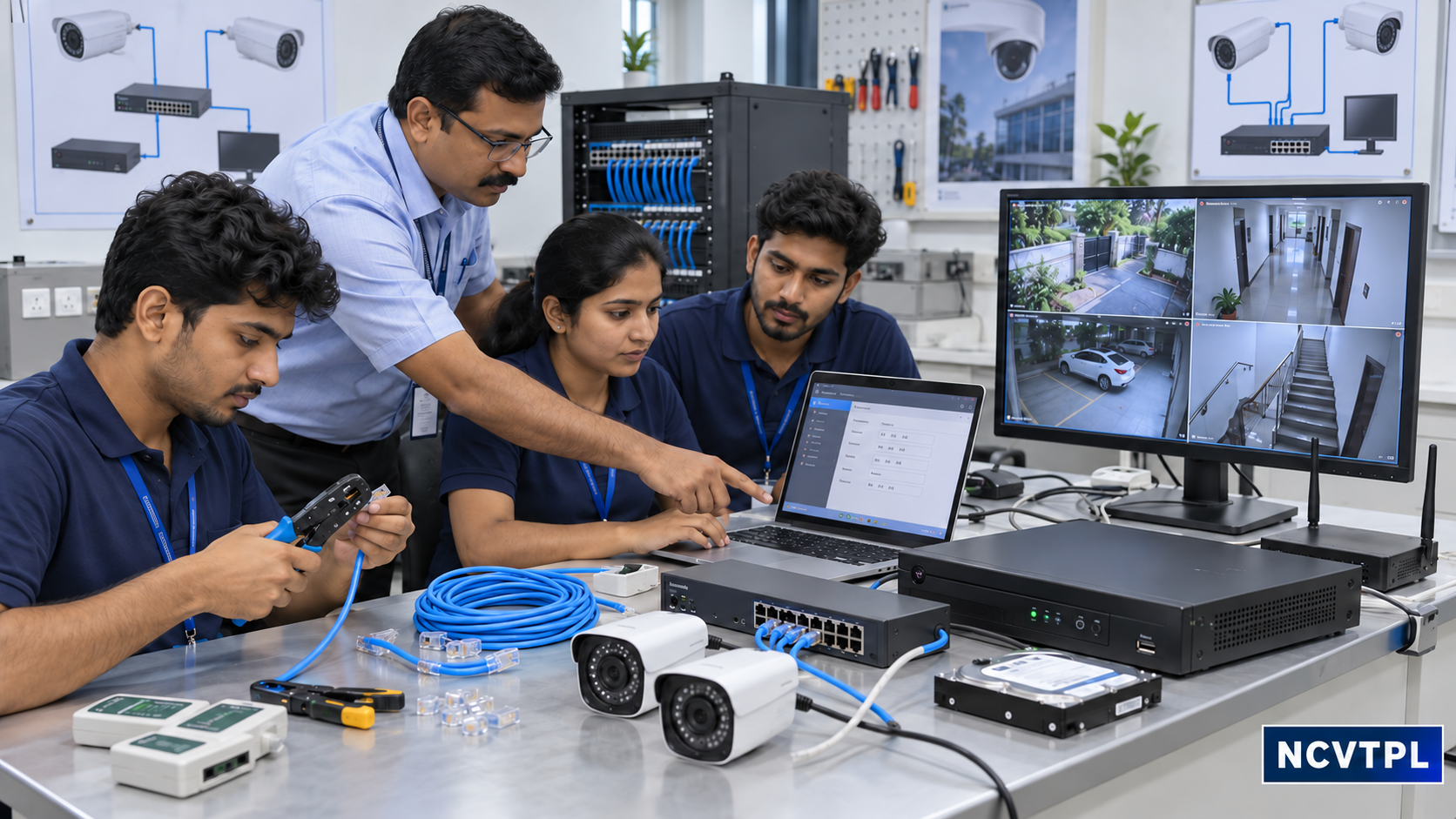
Every core topic is reinforced through installation, configuration, measurement, testing or troubleshooting work.
Site Survey
Prepare camera locations, coverage plan, cable routes and equipment schedule.
Camera Mounting
Fix and align indoor/outdoor cameras with safe mechanical practices.
BNC & RJ45
Terminate coaxial and UTP cables and test continuity and pinout.
IP Addressing
Configure static addresses and correct device conflicts on a CCTV LAN.
DVR / NVR Setup
Create users, schedules, recording rules, alerts and playback workflow.
Storage Planning
Estimate retention using channels, resolution, bitrate and recording duration.
Remote Viewing
Connect authorized mobile and desktop clients using secure practices.
Fault Challenge
Diagnose power, cable, network, camera and recorder problems.
Typical IP CCTV System Architecture
Understand the complete path from video capture through network transport, recording, monitoring and authorized remote access.
IP Cameras
Capture surveillance video and events.
PoE Switch
Supplies network data and power.
NVR + HDD
Records and stores surveillance video.
Monitor / VMS
Provides local monitoring and playback.
Remote Client
Enables authorized remote monitoring.
Equipment Covered in Training
Actual equipment may vary by batch and lab, while the core engineering and technician skills remain vendor-neutral.
| Category | Typical Equipment | Skills Developed |
|---|---|---|
| Cameras | Dome, bullet, turret, PTZ, Analog HD and IP cameras | Selection, mounting, aiming, image adjustment and configuration |
| Recording | DVR, NVR, hybrid recorder, surveillance HDD and monitor | Recording, playback, export, backup, users and storage health |
| Networking | PoE switch, router, injector, patch components and network tester | IP addressing, PoE budgeting, connectivity and bandwidth checks |
| Cabling | Cat5e/Cat6, coaxial, BNC, RJ45, baluns, conduit and boxes | Routing, termination, labelling, protection and testing |
| Power & Protection | SMPS, adapters, UPS, surge protection and earthing components | Load checks, backup planning, voltage measurement and electrical safety |
| Service Tools | Multimeter, crimpers, LAN tester, test monitor and laptop | Testing, commissioning, configuration and fault diagnosis |
From Site Survey to CCTV System Handover
Follow a professional workflow applicable to residences, retail stores, offices, factories, warehouses, institutions and campuses.
Assess
Understand surveillance requirements and risks.
Survey
Plan camera, cable, power and network locations.
Install
Mount equipment and terminate cabling.
Configure
Set cameras, recorders, network and user access.
Commission
Verify recording, images and system operation.
Handover
Document system and guide authorized users.
Preventive Maintenance & Troubleshooting
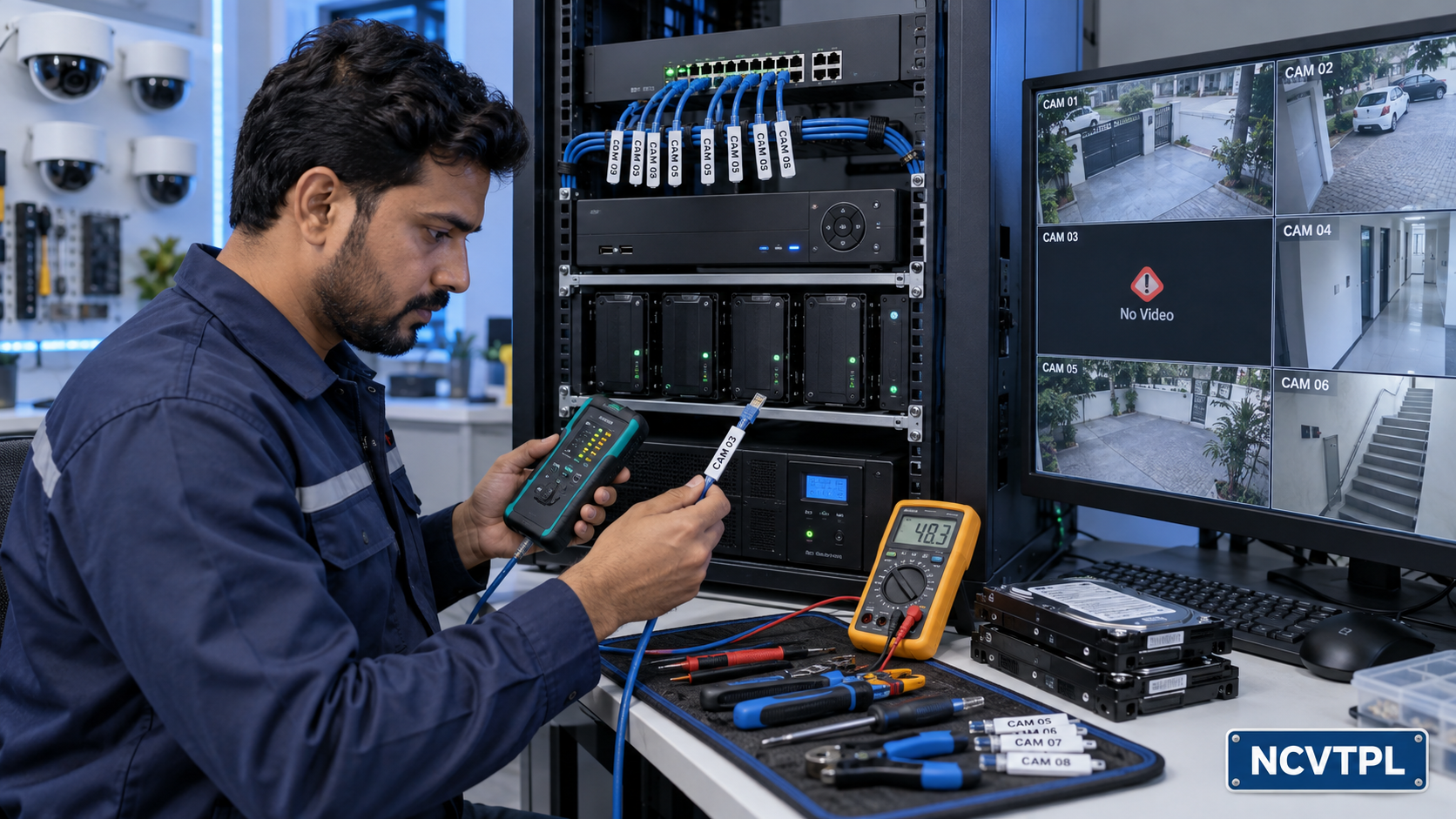
Learn to isolate faults by subsystem instead of replacing equipment by guesswork.
Camera Offline / No Video
Check power, connectors, cable, PoE budget, IP address, switch port and device status.
Poor or Noisy Image
Check termination, voltage drop, grounding, lens condition, lighting and interference.
Night Glare / White Image
Inspect camera cover, reflections, installation angle, nearby surfaces and IR illumination.
No Recording / Playback
Review schedules, HDD condition, time settings, overwrite settings and channel status.
Remote Viewing Unavailable
Verify local viewing, internet connectivity, gateway, DNS, authorization and service status.
Intermittent CCTV System
Inspect loose joints, unstable power, overheating, cable damage, network load and equipment logs.
Professional CCTV Installation Practices
Electrical & Work Safety
Isolation, correct tools, ladder awareness, safe drilling, cable segregation, earthing and surge-protection practices.
Privacy & Access
Appropriate camera placement, authorized access, controlled evidence export, secure credentials and responsible retention.
Documentation & Handover
Camera schedules, IP records, cable labels, test sheets, service logs, configuration backup and operator guidance.
How Learning Can Be Evaluated
Assessment can focus on the ability to complete and explain practical technician tasks, not memorization alone.
CCTV Systems Across Buildings & Industry
Who Can Join & Where the Skills Can Lead
Who Can Join?
- Students
- ITI Students
- Diploma Students
- Electrical Students
- Electronics Students
- Electricians
- Network Technicians
- Security-System Personnel
- Facility Maintenance Staff
- IT Support Technicians
- Working Professionals
- Entrepreneurs
Career & Business Direction
- CCTV Installation Technician
- CCTV Service Technician
- IP Surveillance Technician
- Security Systems Installer
- ELV Technician
- Field Support Technician
- CCTV Maintenance Technician
- Surveillance Network Technician
- Control Room Operator
- Facility Security Technician
- CCTV Installation Contractor
- CCTV Service Entrepreneur
CCTV Technician Training FAQs
Who can join CCTV Technician training?
Students, ITI and diploma learners, electricians, network technicians, security staff, facility-maintenance personnel, working professionals and entrepreneurs can learn CCTV installation and service skills.
Does the course cover both analog and IP CCTV?
Yes. Training covers Analog HD CCTV systems using DVRs as well as IP cameras, PoE networks and NVR-based systems.
Are DVR and NVR configuration included?
Yes. Learners work with recorder setup, channels, recording schedules, playback, evidence export, storage and user permissions.
Is IP camera networking covered?
Yes. Networking topics include IPv4 addressing, subnet masks, gateways, DHCP, static IP, device discovery, connectivity tests, PoE and common network faults.
Is PoE covered?
Yes. Training includes PoE switches, injectors, extenders, power budgets, cable considerations and troubleshooting.
Will I learn mobile and remote CCTV viewing?
Yes. The program covers authorized mobile and desktop remote viewing, user permissions and secure remote-access practices.
Is CCTV storage calculation included?
Yes. Learners study how channel count, resolution, bitrate, frame rate and recording duration affect storage requirements.
Does the course include BNC and RJ45 work?
Yes. Practical work can include coaxial and network cable preparation, BNC termination, RJ45 crimping, continuity testing and labelling.
Is CCTV maintenance and troubleshooting included?
Yes. Preventive maintenance and systematic diagnosis of power, camera, cable, network, storage, recorder and remote-access faults are core parts of the program.
Is cybersecurity covered for IP CCTV systems?
Yes. Training introduces strong credentials, user permissions, firmware discipline, configuration backups, network isolation and secure remote access.
Is practical CCTV installation included?
Yes. Practical activities can include site-survey planning, camera mounting, cable termination, IP addressing, DVR/NVR configuration, storage planning, remote viewing, testing and troubleshooting.
Can NCVT provide customized CCTV training?
The curriculum can be adapted for colleges, skill-development programs, security teams, facility departments, system integrators and organizations with specific training requirements.
Start Your CCTV Technician Training
Learn site survey, camera installation, Analog HD and IP CCTV, DVR/NVR configuration, PoE networking, cabling, storage planning, remote monitoring, maintenance and systematic fault diagnosis.
Contact NCVT for CCTV Training →